

Good UX work can still become inconsistent when the process lives across scattered notes, blank documents and improvised checklists. AI product teams may forget recovery and permission states. Research sessions may begin without a decision-focused plan. Portfolio case studies may show polished screens without explaining the evidence behind them.
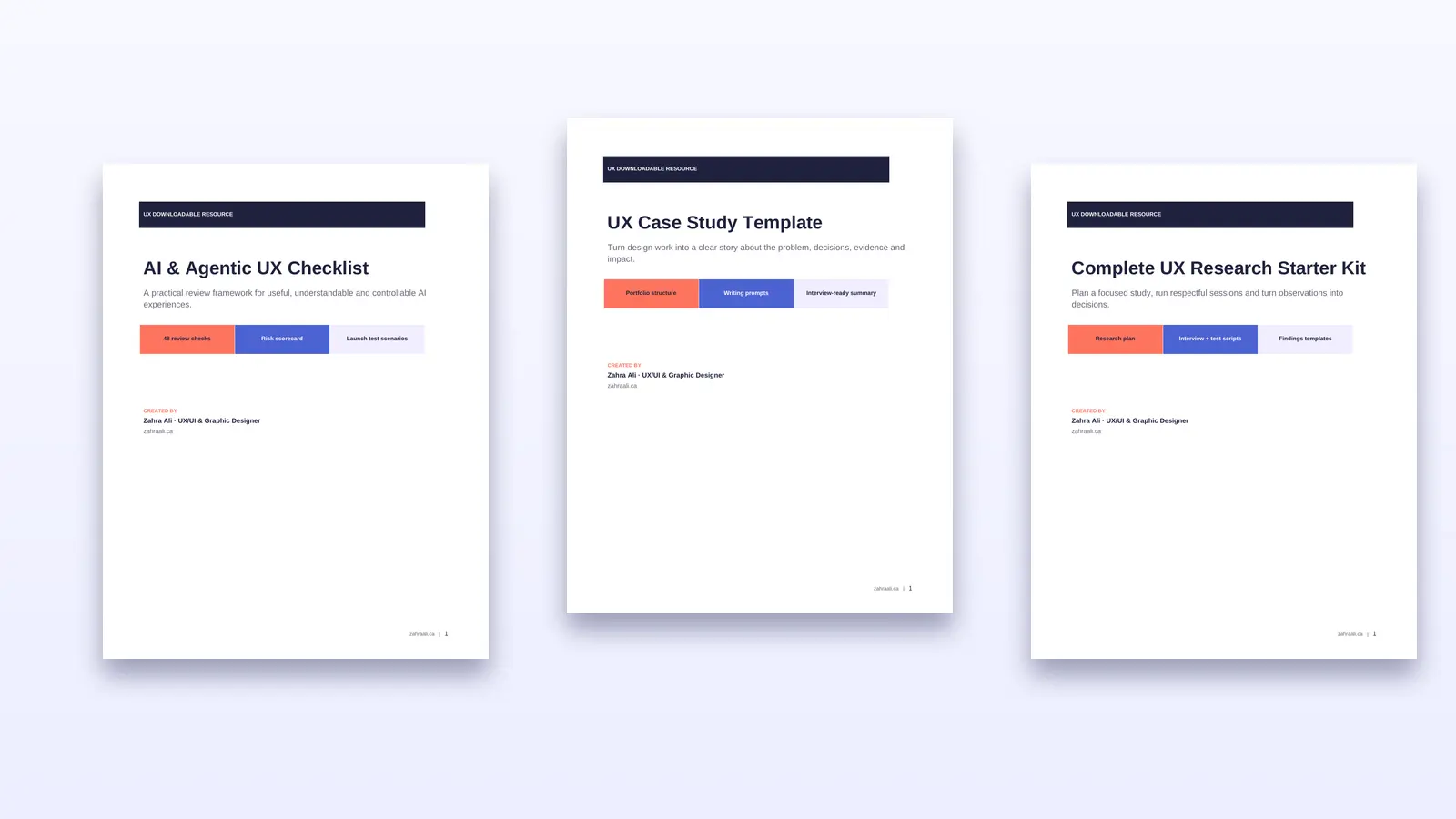
I created three practical, downloadable UX resources to solve those problems. Together, they help designers and product teams review an AI experience, plan and run user research, and turn completed work into a clear case study.
Choose the right UX template
| Free resource | Best for | What it includes |
|---|---|---|
| AI & Agentic UX Checklist | Designers and teams reviewing AI-powered experiences | 48 review checks, a risk scorecard and launch test scenarios |
| Complete UX Research Starter Kit | Designers, researchers and product teams planning a study | Research plan, method guide, screener, scripts, notes, severity scale and findings templates |
| UX Case Study Template | UX/UI designers preparing portfolios or interviews | A nine-part case-study structure, evidence prompts and a final quality checklist |
All three resources are available as a ready-to-use PDF and an editable Word document.
Why these UX templates matter in 2026
AI has made it faster to generate interfaces, content and product directions. It has not removed the need to define the right problem, observe real users or explain why a design decision was made.
Microsoft’s Guidelines for Human-AI Interaction organize 18 evidence-based guidelines across initial interaction, regular use, failure and long-term behaviour. Google’s People + AI Guidebook similarly emphasizes user needs, mental models, feedback, control and graceful failure. These principles are useful, but teams still need a practical way to apply them during a real project.
Research also needs structure. The W3C recommends involving people with disabilities in evaluation because real-user testing can reveal usability barriers that conformance checks alone may miss. It also cautions teams not to generalize from limited evidence. Read the W3C guidance on involving users.
The templates below turn those principles into questions, fields and decisions that can be used during everyday UX work.
1. AI & Agentic UX Checklist
What it helps you review
AI experiences are less predictable than traditional interfaces. They can infer intent, generate uncertain output, connect to other tools and sometimes take actions for the user. A polished interface can therefore hide important risks.
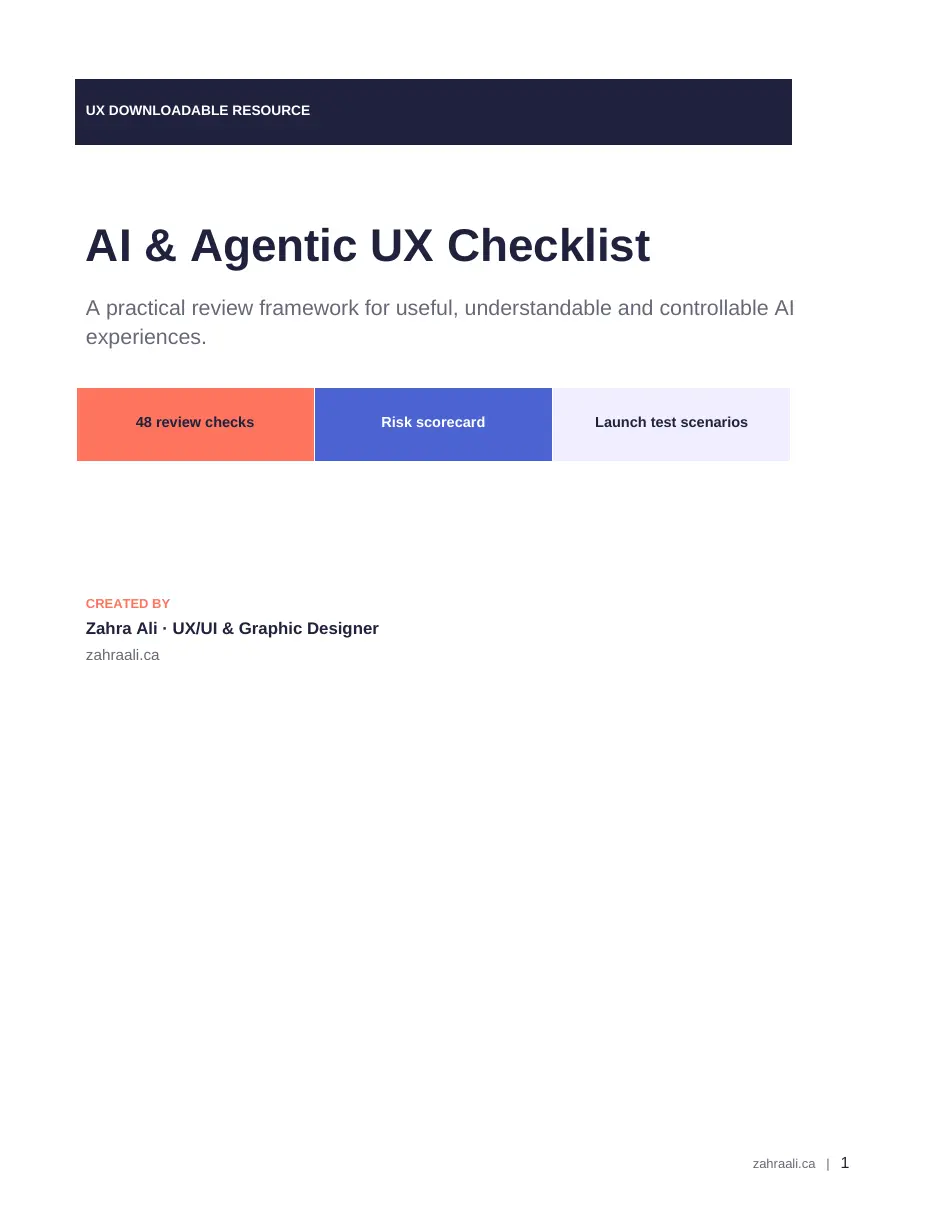
The AI & Agentic UX Checklist contains 48 checks covering:
- User value and the need for AI
- Capability disclosure and realistic expectations
- User intent, control and reversibility
- Permissions and action boundaries
- Transparency and explainability
- Uncertainty, errors and recovery
- Trust, privacy and safety
- Accessibility and inclusion
- Feedback, learning and monitoring
It also includes a scoring system and eight realistic launch scenarios. A critical zero in safety, permissions, privacy or recovery overrides the total score, helping teams identify problems that should block release.
Who should use it
Use this checklist when designing or reviewing AI assistants, recommendation systems, generative tools, automated workflows or agentic products that can act across connected services.
2. Complete UX Research Starter Kit
What it helps you plan
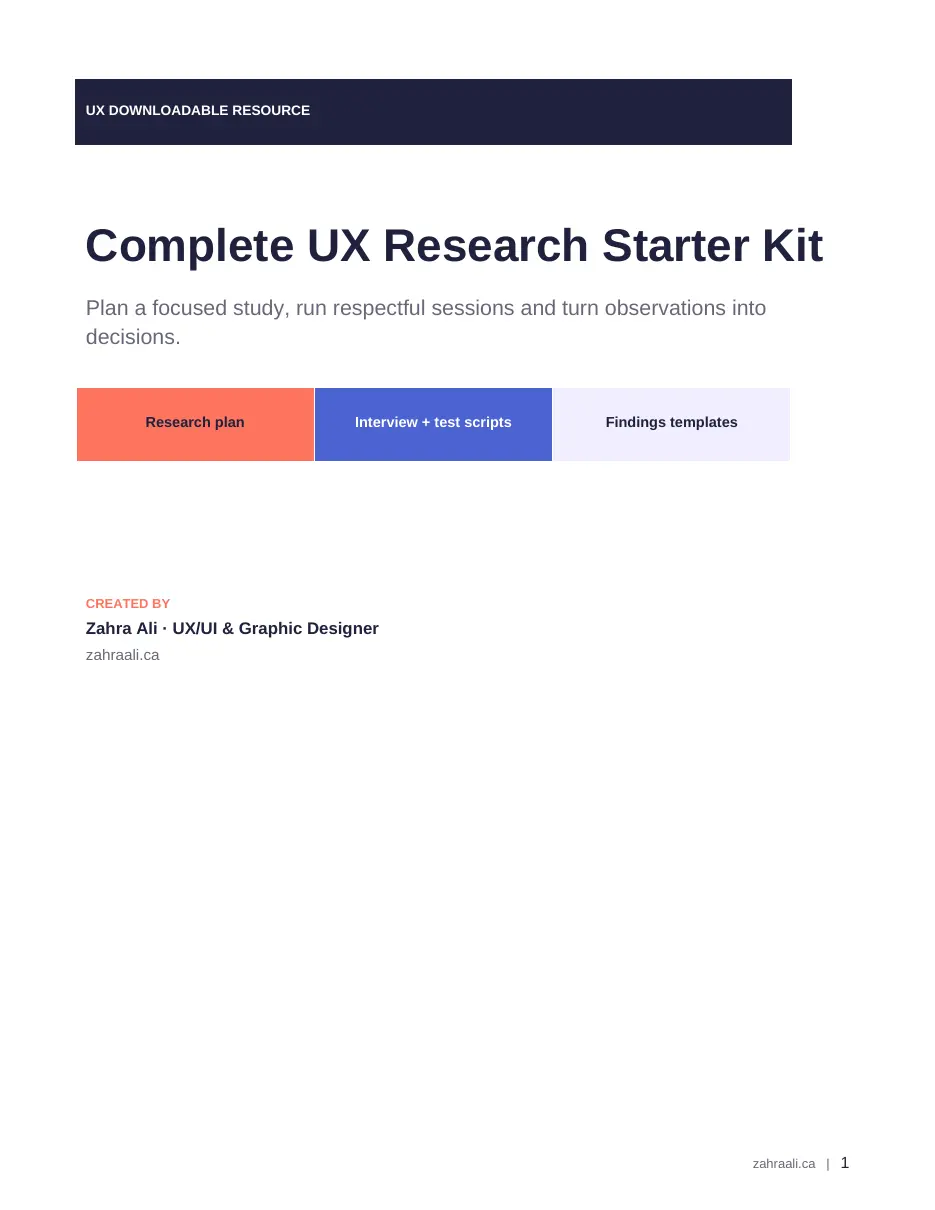
Research becomes useful when it is tied to a decision. The Complete UX Research Starter Kit guides a project from the first research question to a clear readout.
It includes:
- A decision-focused research plan
- A method-selection guide
- A participant screener
- Consent and participant-care prompts
- A user-interview guide
- A moderated usability-test script
- Task templates and session notes
- A 0-4 issue-severity scale
- Synthesis and findings templates
- A research readout with decisions, owners and open questions
The kit separates observed behaviour from interpretation and recommendations. That distinction makes findings easier to defend and reduces the risk of turning one participant’s comment into an unsupported product decision.
Who should use it
Use it for discovery interviews, moderated usability testing, prototype evaluation and small research studies. It is especially helpful for designers who need to conduct responsible research without rebuilding every document from scratch.
3. UX Case Study Template
What it helps you communicate
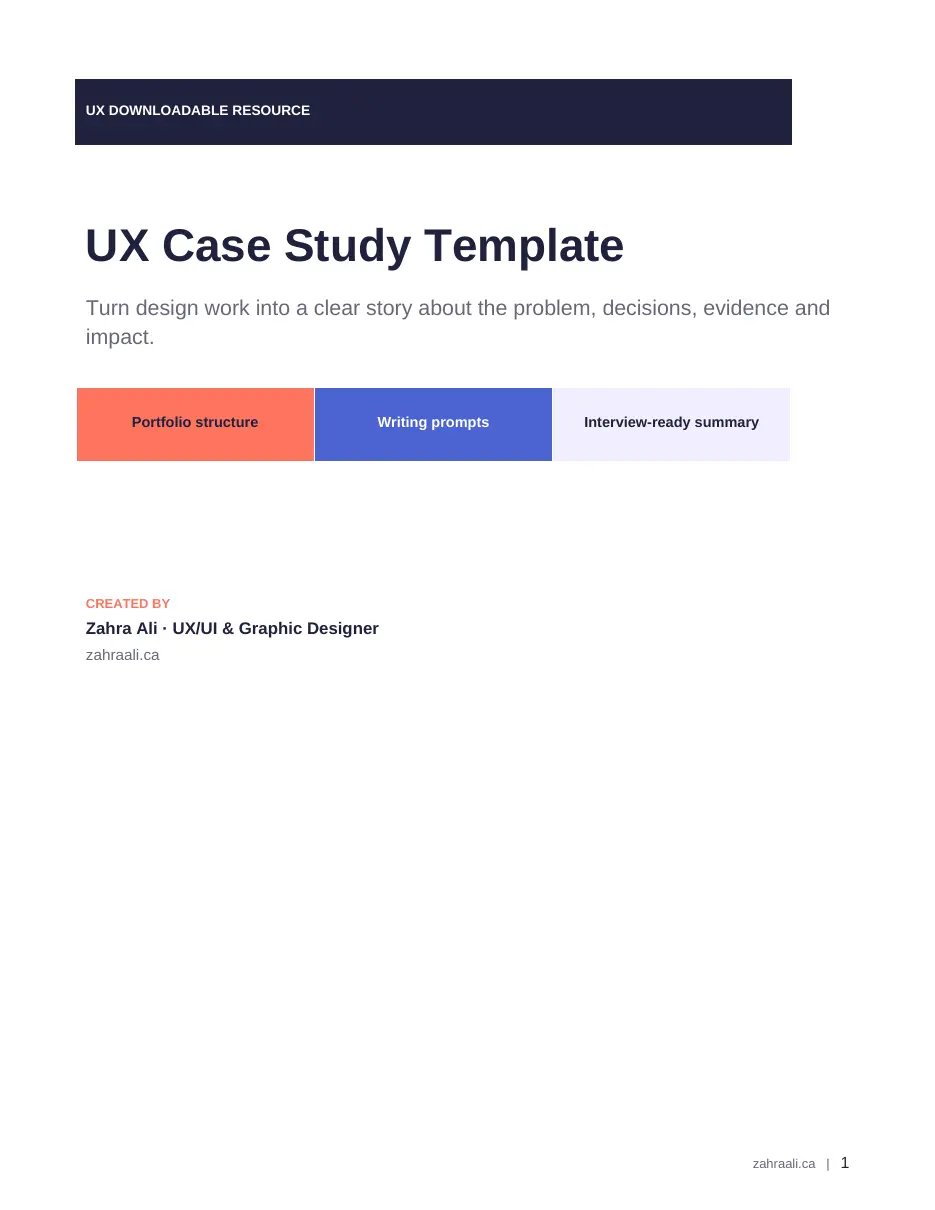
A UX case study should show how you think, not only what you made. The UX Case Study Template helps designers build a concise story around the problem, constraints, evidence, decisions, iterations and impact.
Its nine-part structure covers:
- Context and problem
- Role, team and scope
- Research and evidence
- Insights and opportunity
- Design decisions
- Iterations and testing
- Final solution
- Outcomes and impact
- Reflection
The template also includes an evidence planner and a 12-point quality check for clarity, honest ownership, accessibility, confidentiality, image quality and two-minute scannability.
Who should use it
Use it when preparing a UX/UI portfolio, documenting client work or turning a project into an interview-ready story. If research or metrics were unavailable, the prompts encourage you to state the limitation rather than inventing evidence.
Use all three as one UX workflow
These resources are most useful when they support one connected process:
- Plan the research. Use the Research Starter Kit to define the decision, choose the method, recruit relevant participants and prepare the session.
- Collect and synthesize evidence. Record behaviour, issues, severity, findings and limitations before deciding what should change.
- Review AI behaviour before launch. If the product uses AI, apply the Agentic UX Checklist to expectations, permissions, control, failure, accessibility and monitoring.
- Document the project honestly. Use the Case Study Template to connect the problem, evidence, design decisions, iterations and results into a concise story.
This workflow keeps the work practical: research informs the design, the checklist tests the experience, and the case study explains the reasoning.
A note on responsible use
These templates are original practical resources, not substitutes for legal, privacy, security, accessibility or research-ethics review. Adapt them to the risk, audience and requirements of your project.
If you are reviewing an AI-generated website, also read 7 UX Problems AI Website Builders Miss in 2026.
Need help applying the templates to a product or website? Explore my UX/UI design solutions.
Need help improving your website experience?
I help businesses create clearer, more usable digital experiences through UX/UI design and practical website improvements. Tell me about your project.

Really useful article. I like how the resources are organized and easy to understand, especially the research templates.