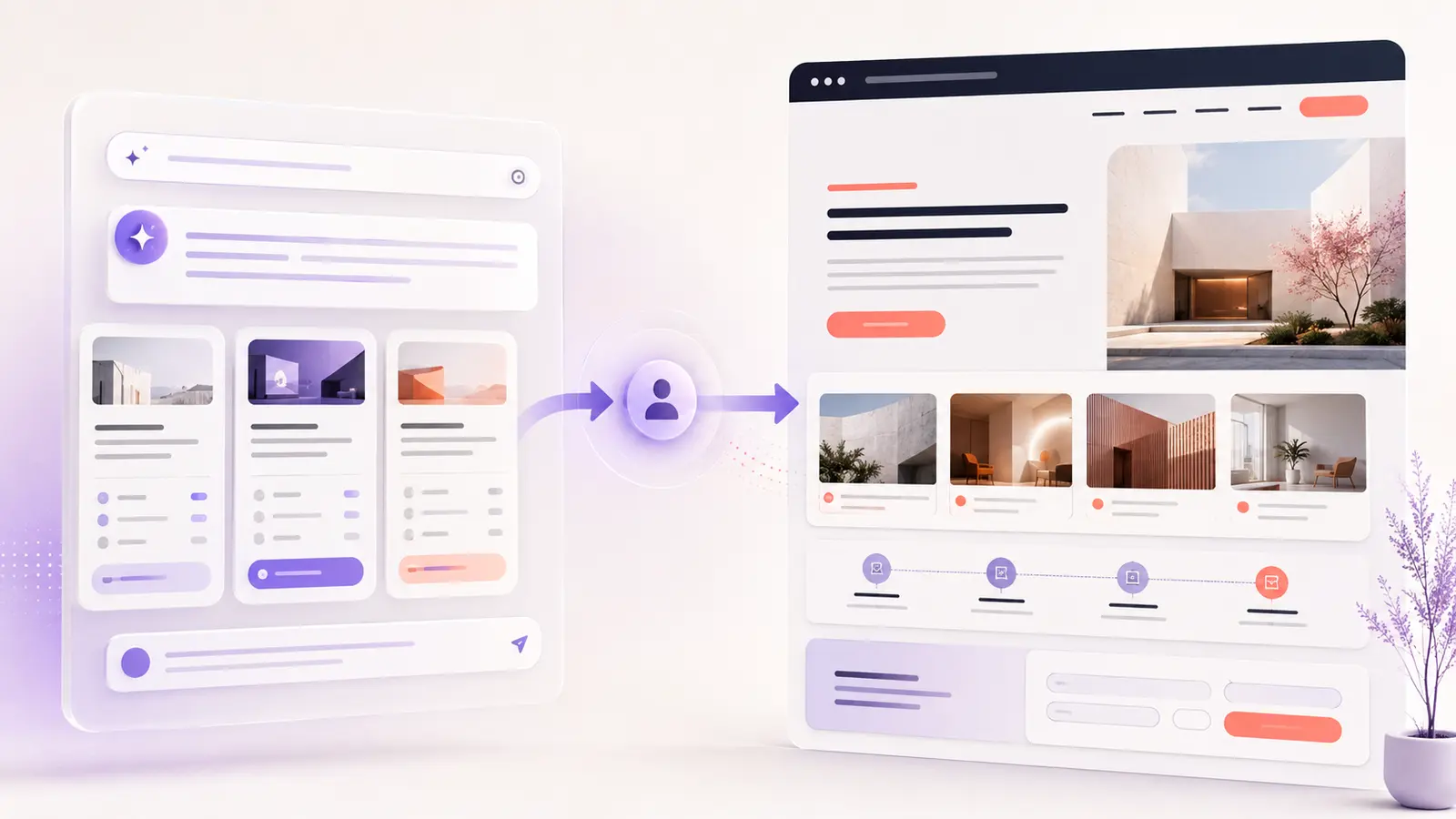

Your website can look professional and still make visitors work too hard. A confusing menu, weak call to action, difficult mobile form or missing focus state can quietly reduce enquiries and sales.
This free 30-point website UX audit checklist helps business owners review the most important parts of a website in about 15 minutes. You do not need to be a designer or developer.
Free Website UX Health Check
Review 30 UX points, calculate your score and choose the three improvements that matter most.
Download the Free UX Audit PDF
10-page PDF · No account required · Printable
What does the UX audit cover?
The checklist is organized around six areas that directly affect whether visitors understand, trust and use your website:
- First impression and clarity: Can a new visitor understand what you offer within five seconds?
- Navigation and user journey: Can people find important information without guessing?
- Mobile experience: Are text, buttons and forms comfortable to use on a phone?
- Conversion and trust: Do your calls to action, proof and contact options support a decision?
- Accessibility and inclusion: Can people perceive and operate your interface in different ways?
- Performance and consistency: Does the experience feel fast, stable and professionally maintained?
The accessibility section uses practical checks aligned with the principles of WCAG 2.2. This quick review is not a formal accessibility certification, but it can reveal obvious barriers that deserve attention.
How to audit your website in 15 minutes
1. Choose one important page
Start with your homepage, primary service page or landing page. Audit the actual page on both desktop and mobile rather than trying to score your entire website from memory.
2. Score every UX check
Give each item a score of 0 for “not yet,” 1 for “partly,” or 2 for “yes.” If you are unsure, choose 1 and add the item to your testing list. Honest answers are more useful than a perfect-looking score.
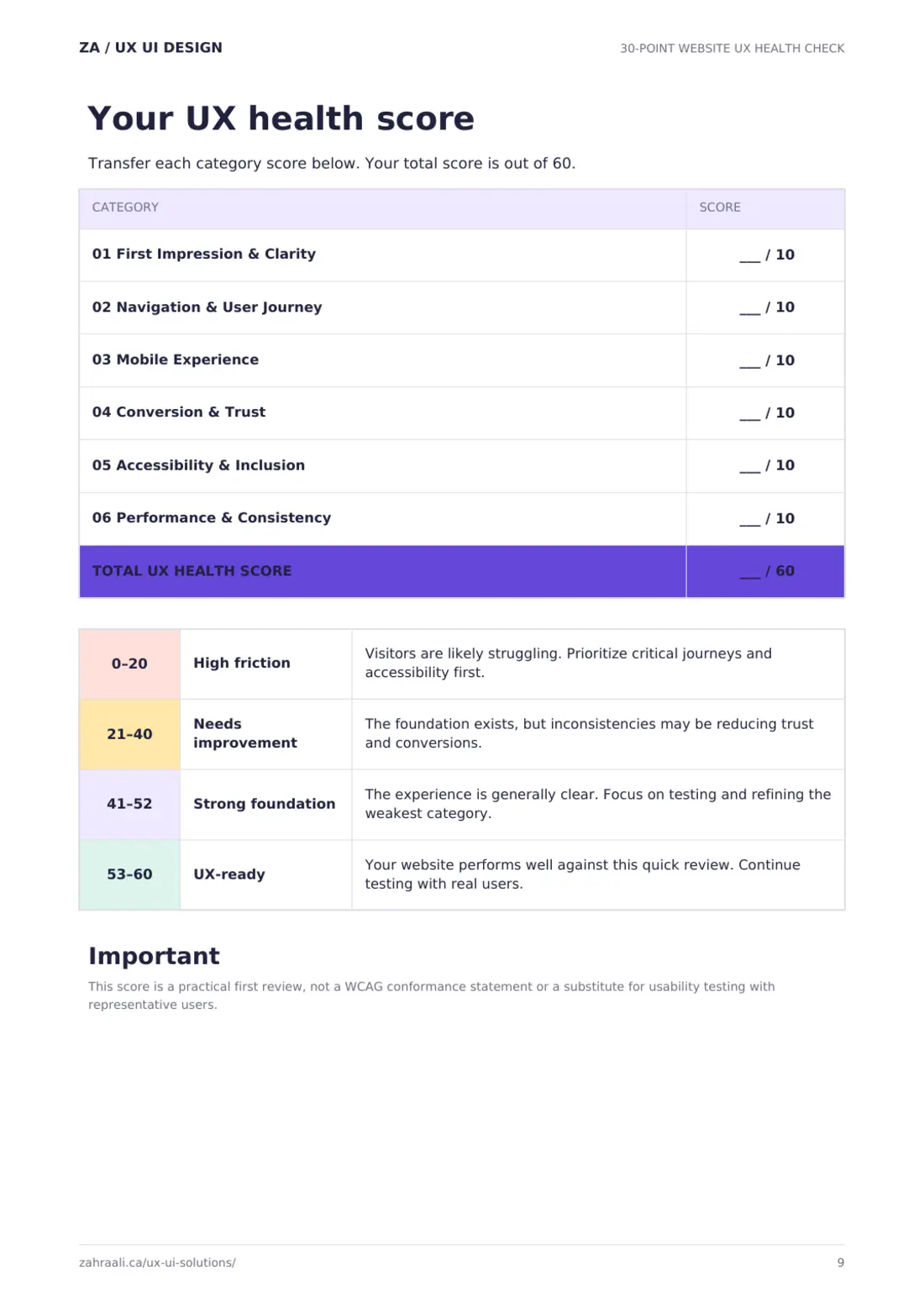
3. Calculate your UX health score
Add the six category results for a total score out of 60. The PDF explains whether your website has high friction, needs improvement, has a strong foundation or is UX-ready.
4. Select only three priorities
Do not redesign everything because one score is low. Choose the three issues most likely to block an important customer action such as booking, contacting you, registering or purchasing.
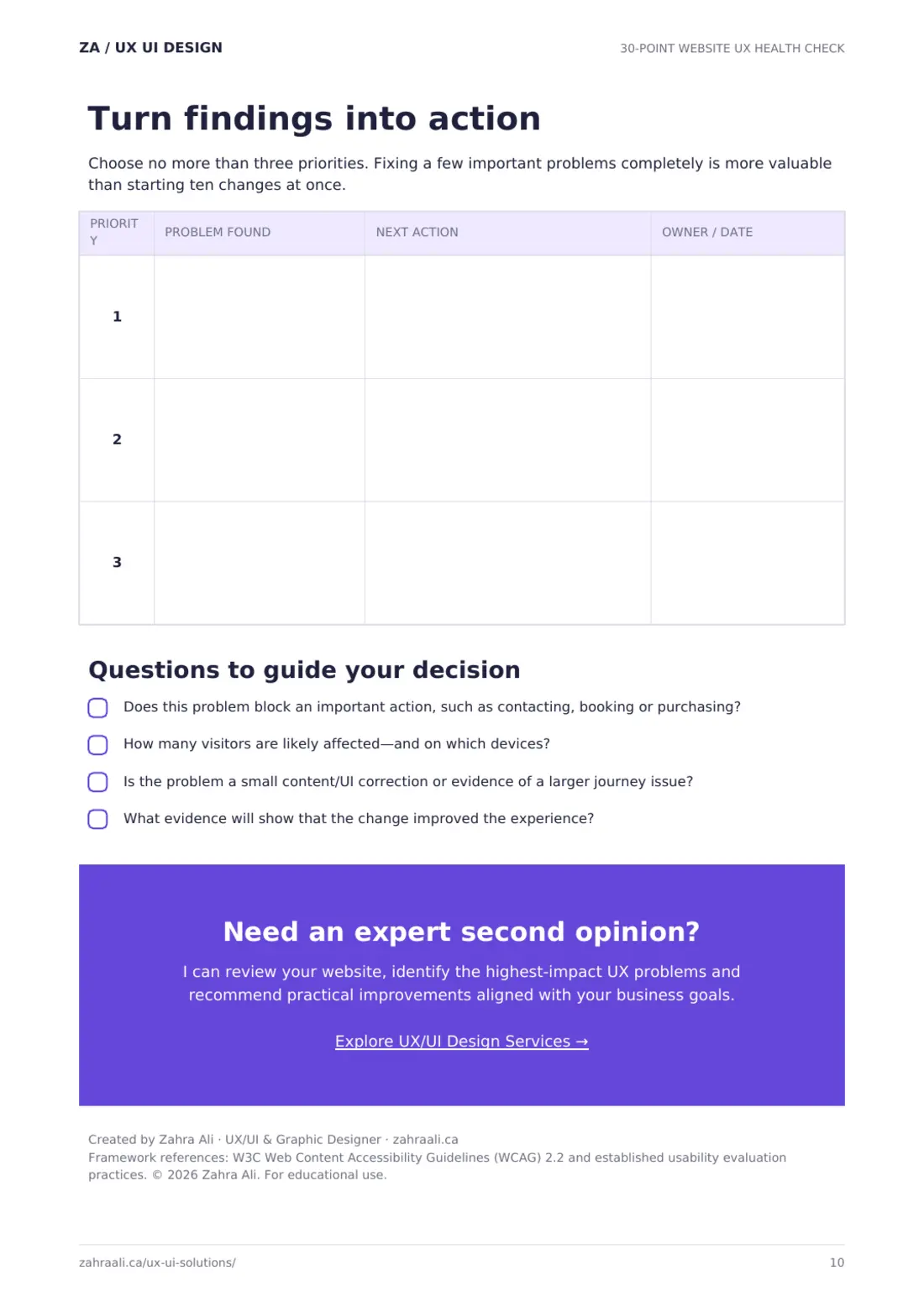
What should you fix first?
Prioritize a problem when it affects many visitors, blocks an important conversion or creates an accessibility barrier. A difficult mobile form is normally more urgent than a small inconsistency in decorative spacing.
Some findings need only a small correction. Others point to a larger problem with the customer journey. If an AI-generated website looks polished but still does not convert, read why AI website builders can miss important UX decisions.
Download the free website UX audit checklist
A repeatable audit is especially useful before a redesign, after launching a new page or when analytics show that visitors are leaving without taking action. It gives you a consistent baseline instead of relying only on personal preference. Ask a colleague or customer to complete the checklist independently as well. Differences between your scores can reveal confusing experiences that are difficult to notice when you already know how the website is supposed to work.
Use the checklist now, save your result and repeat the audit after making improvements. Comparing the two scores will help you see whether your changes produced a clearer experience.
Ready to check your website?
Download the printable 30-point audit kit and find your highest-priority UX improvements.
If you want an expert second opinion, explore my UX/UI design services. I can identify the highest-impact usability problems and recommend practical improvements aligned with your business goals.
Need help improving your website experience?
I help businesses create clearer, more usable digital experiences through UX/UI design and practical website improvements. Tell me about your project.