
Before your first call with a graphic designer, prepare a short graphic design project brief covering your goal, audience, likely deliverables, channels, available assets, timeline, budget range, decision-maker, feedback process, and final file needs. You do not need every design decision made. The brief starts a productive discovery conversation; it is not the finished solution.
Adobe describes a creative brief as a roadmap that aligns people around a project’s objectives, requirements, and deliverables. The most useful brief gives the designer clear boundaries while leaving room to explore the right creative direction.
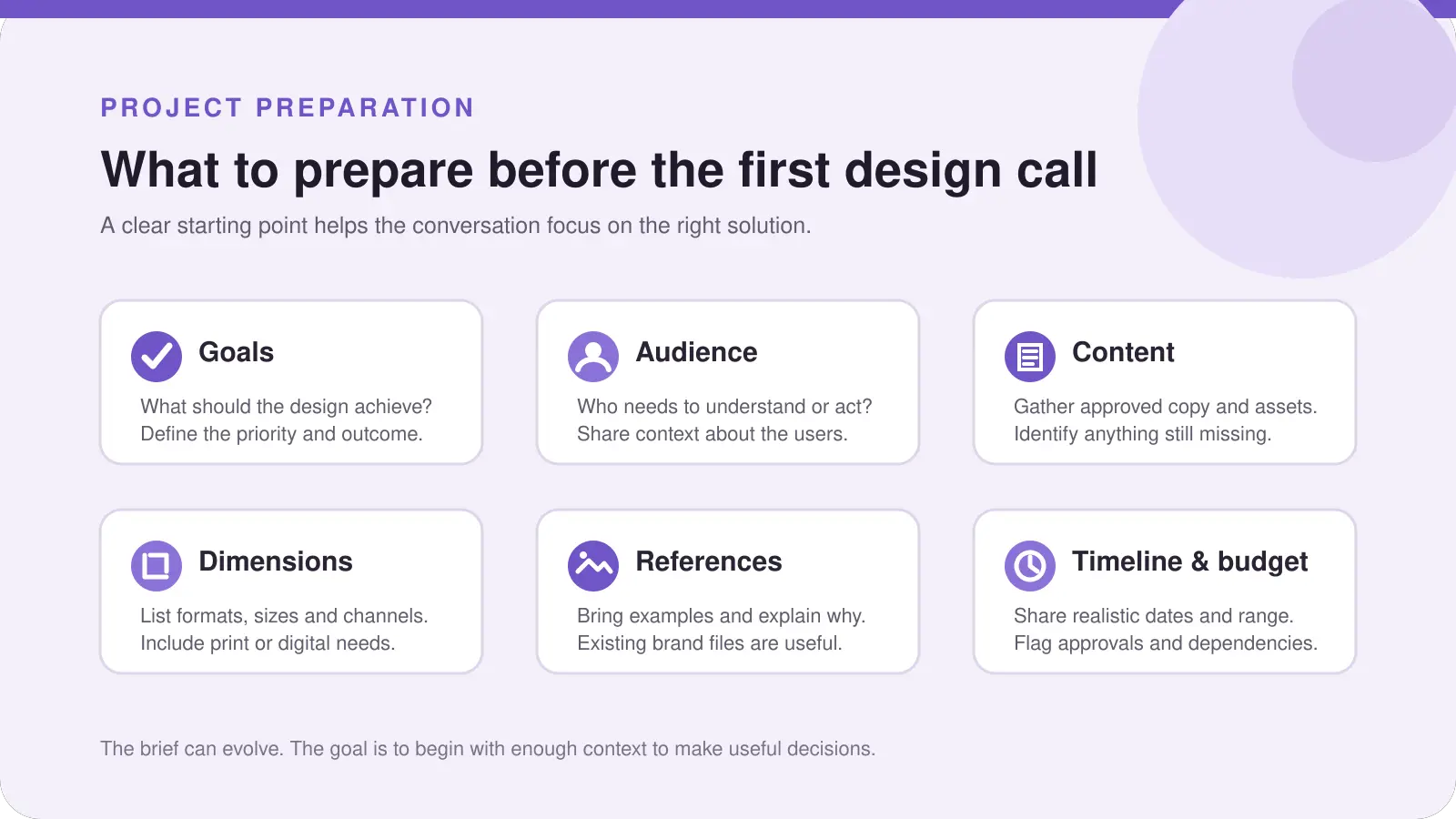
Start with the business goal
Do not begin by choosing colours, fonts, or a visual style. Begin with what the project needs to accomplish.
Are you introducing a business, making a service easier to understand, promoting an event, preparing a product for retail, or building consistency across channels? A useful goal gives the designer a reason behind the work.
Try to complete this sentence:
This design should help us ____________________.
Bring a measurable target if one exists; otherwise, a clear priority is useful. Adobe’s discovery-phase guidance recommends gathering business goals, audience information, and ways to recognize success before production begins.
Describe the audience clearly
“Everyone” is rarely a useful audience description. Explain who the design is for and what that person needs to notice, understand, trust, or do.
Describe the audience by role, location, buying situation, or problem. A procurement brochure needs a different emphasis from an Instagram campaign for first-time customers.
You do not need a formal research report. Bring the best information you have and identify assumptions. Figma’s design-brief guidance includes audience information alongside goals, requirements, timeline, budget, and deliverables because these details support aligned decisions.
List deliverables and where they will appear
Write what you believe you need, then add the channel or context. “A brochure” is more useful than “marketing materials,” while “an eight-page printed brochure plus a downloadable PDF” is clearer still.
Useful details include:
- Number of items or versions
- Sizes, page counts, folds, or printer specifications
- Platforms and whether the work is for print, screen, or both
- Languages, accessibility needs, and included content
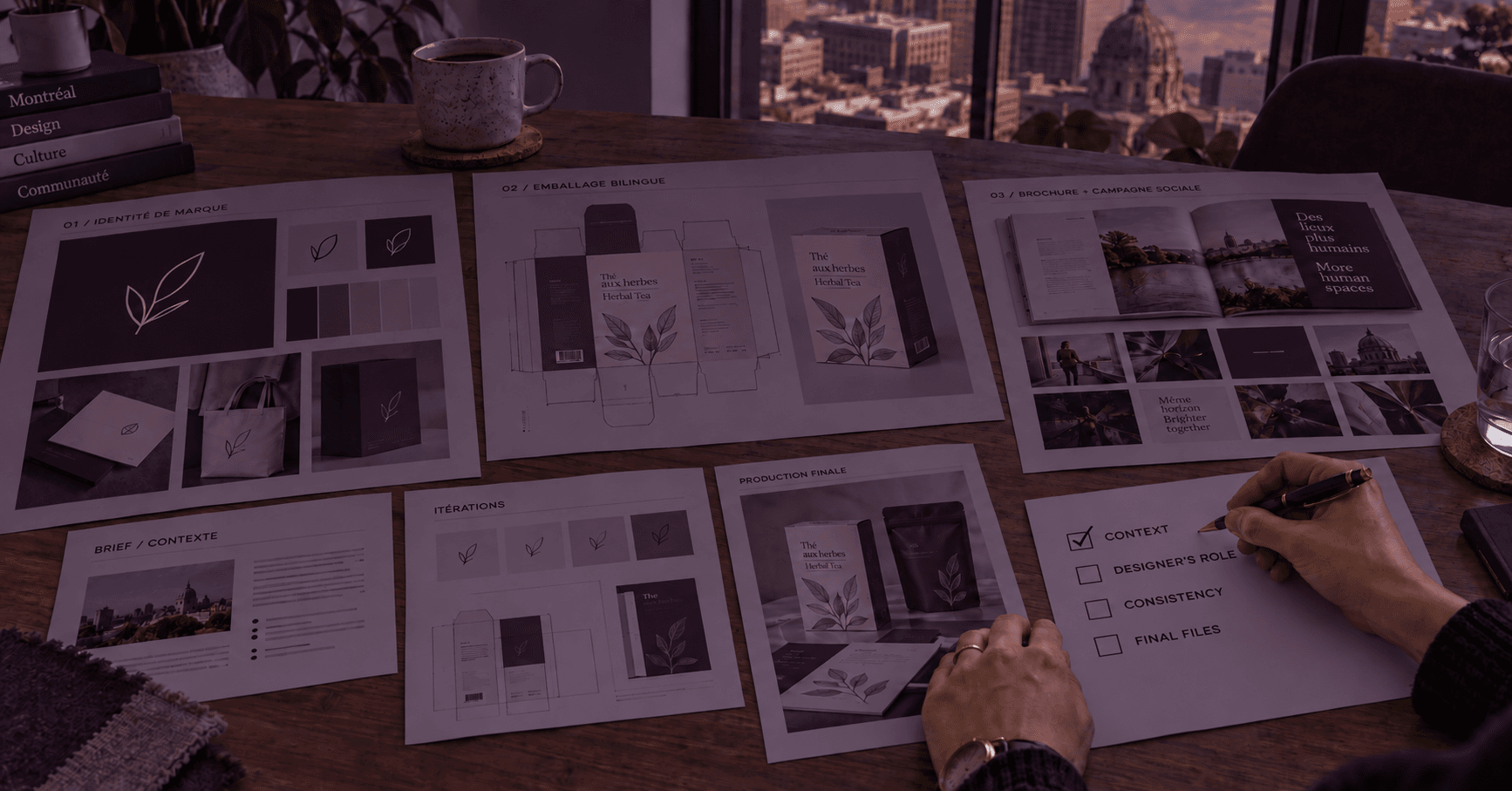
My Miel Galatée brochure project shows a defined brochure deliverable. Naming the actual item moves the conversation toward a workable scope.
Gather content and existing brand assets
Bring anything the designer should use: logos, brand guidelines, colour codes, fonts, copy, photos, illustrations, specifications, templates, and previous designs.
Explain the content status. Is the copy final or still being edited? Are photos ready? Who can supply missing information? An honest status is more useful than saying everything will be available “soon.”
If files are disorganized, share what exists and identify the current versions. The designer can tell you what is usable or missing.
Bring references, including what you dislike
Examples help when you explain why you chose them. Instead of saying, “Make it like this,” identify the relevant quality: clear hierarchy, calm spacing, bold typography, premium packaging, friendly illustration, or a restrained colour palette.
Bring a few examples you like and one or two you want to avoid. Explain each choice. References should communicate preferences, not ask the designer to copy someone else’s work.
A strong brief provides direction without prescribing the final concept, an important distinction in Adobe’s creative-brief guidance.
Be open about timing and budget
Share the real deadline and what creates it: a launch, event, print booking, campaign, or review. Include dates when copy, photography, approvals, or printer specifications will be ready.
Provide a budget range rather than asking the designer to guess. Do not invent a “correct” market price. The range helps the designer recommend a realistic scope and deliverable set. Adobe and Figma include timeline and budget among the core details used to define a project.
If the deadline or budget is flexible, say so. Flexibility can be part of the brief too.
Identify the decision-maker and feedback process
Decide who gives final approval. If several people review the work, choose one person to collect comments into one organized response.
Discuss how feedback will be delivered and how many revision rounds are included. One round should consolidate comments at a defined stage. Adobe’s tutorial recommends agreeing on design directions, revision rounds, and billing expectations early.
Ask what counts as a revision. Adjusting an approved concept differs from changing the goal or adding deliverables, and the written scope should explain that distinction.
Clarify final files, usage, and ownership
Explain how the work will be used so the right files can be prepared, then ask how final files, editable source files, usage rights, ownership, and portfolio permission will be handled. The Canadian Intellectual Property Office notes that copyright ownership in commissioned work can depend on the agreement, so these terms should be clarified in writing. This is general information, not legal advice.
What if you do not know the right deliverables?
That is normal. You are hiring a designer partly for professional guidance. Prepare the goal, audience, content, context, deadline, and budget range you know, then write down your uncertainties.
You may know that you need to introduce a product at an event but not whether the solution is a brochure, display graphics, packaging, social content, or a coordinated set. During discovery, I can help define the scope through my graphic design services in Montreal and worldwide.
The client should bring the business problem and constraints. The designer should help translate them into the right visual deliverables.
Hypothetical example: vague request vs useful starting brief
This example is hypothetical, not a client case study.
| Vague request | Useful starting brief |
|---|---|
“I need some graphics for my new product. Make them modern and send them soon.” | “We are launching a premium food product at a retail event in six weeks for independent store buyers. We think we need a sell sheet, three social posts, and a product-information graphic, but we are open to your recommendation. Our logo and photos are ready; final copy is due next Friday. The marketing manager will collect feedback and the founder will approve. We need print-ready and web files. Our budget range is ______.” |
The second version does not solve the design. It gives the designer enough context to ask better questions, confirm scope, and identify missing information.
What to bring to the call
- A one-sentence business goal
- A practical audience description
- Deliverable ideas, channels, and available assets
- Examples you like and dislike, with reasons
- Your deadline and budget range
- The name of the final decision-maker
- Your preferred feedback method
- Questions about revisions, final files, usage, ownership, and anything uncertain
Download the Graphic Design Project Starter Brief
Complete what you can before the call. Partial answers are enough.
When you are ready to discuss the project, start a conversation about your design needs.