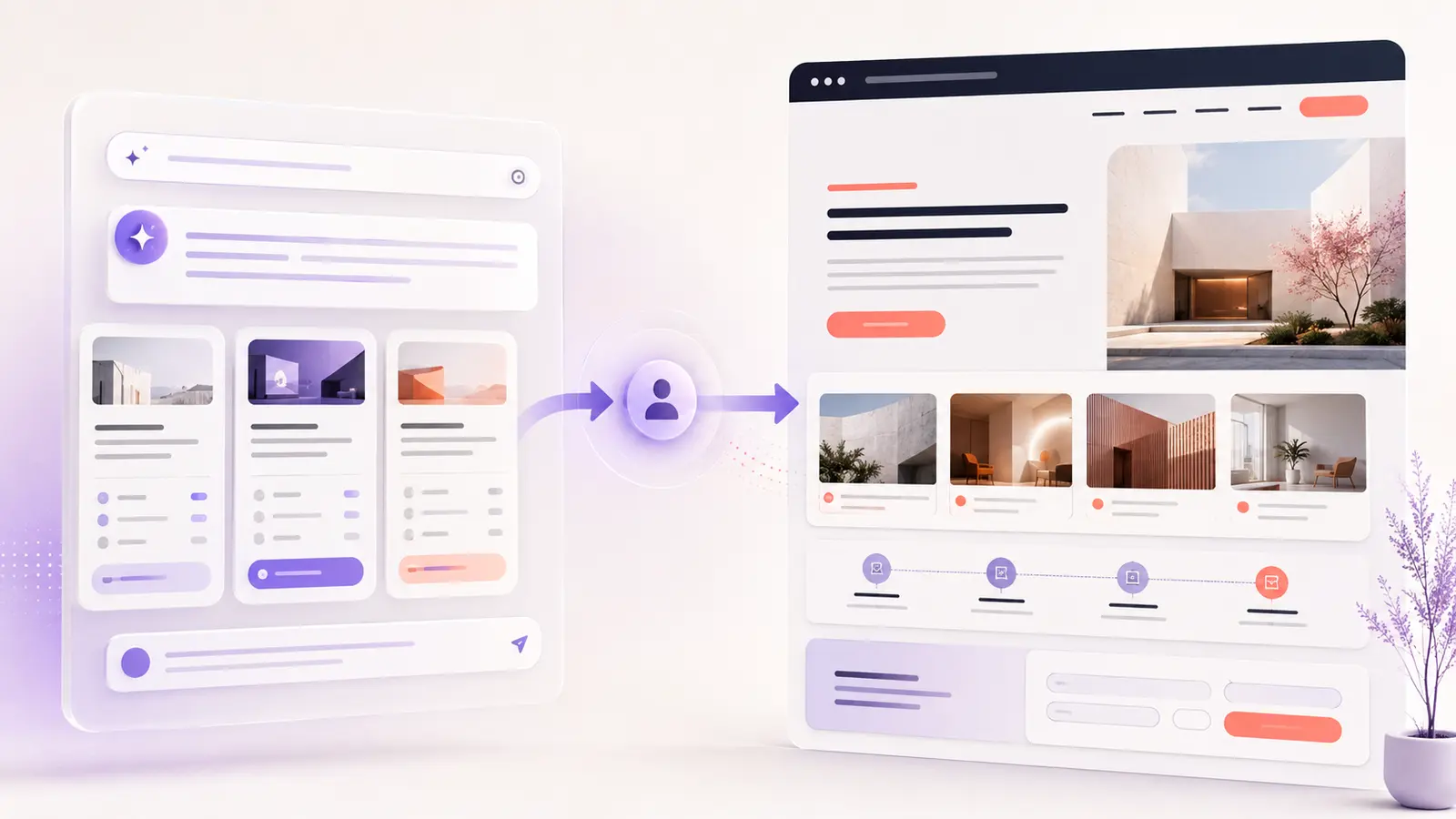

UX/UI designers are not losing every opportunity to AI. The opportunity is changing. During the last six months, Figma and Framer introduced tools that connect code, editable design files, design systems and AI agents more closely than before. These updates can reduce production time, but clients still need someone to define the problem, direct the work, check quality and deliver a usable result.
The most practical way to make money as a UX/UI designer in 2026 is therefore not to sell prompts or claim that AI does everything. It is to turn new capabilities into clear services with a defined scope, professional review and a valuable business outcome. Here are six opportunities based on official product announcements released between February and June 2026.
What changed for UX/UI designers in the last six months?
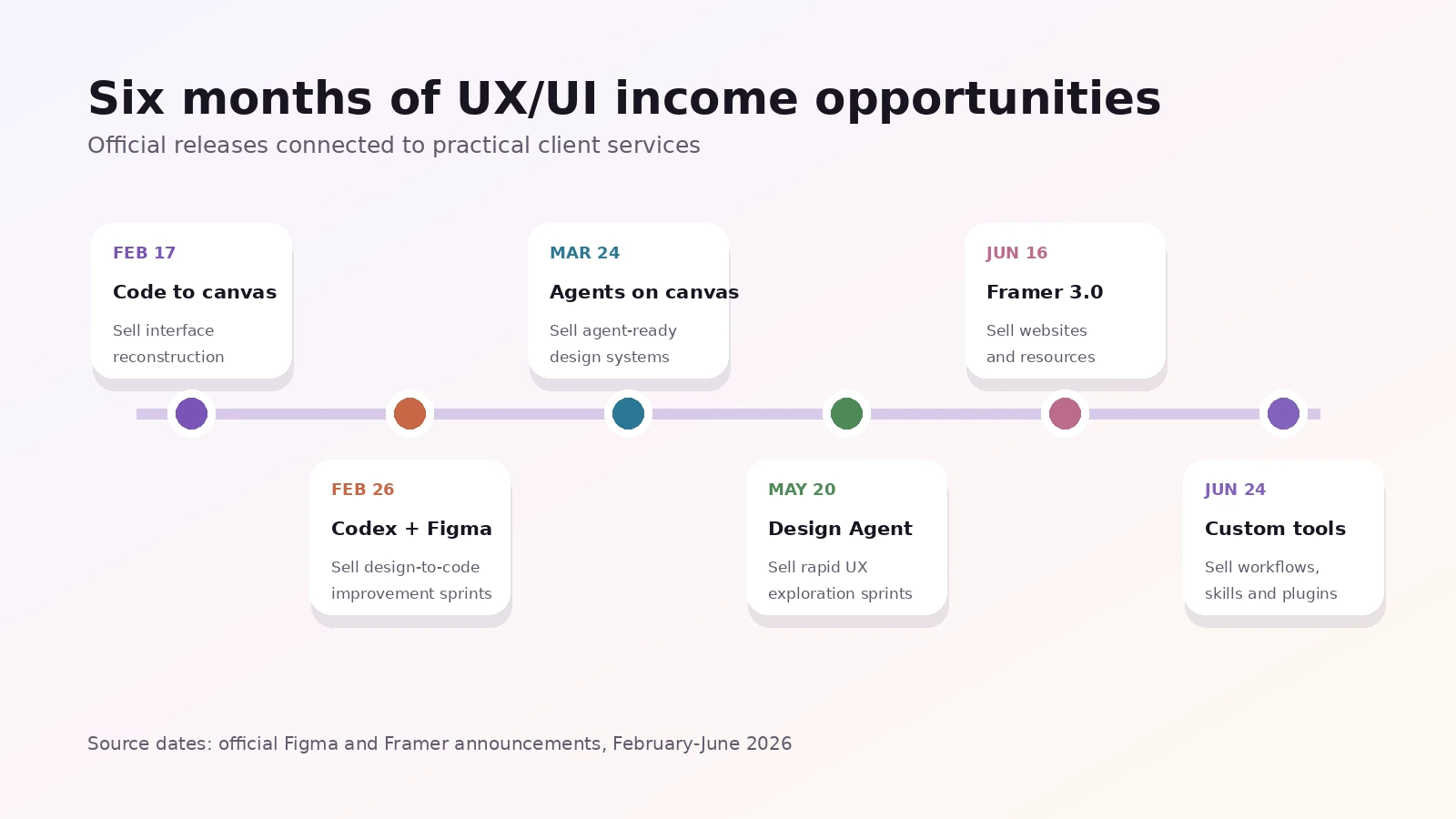
The timeline below shows how quickly design tools moved from simple AI generation towards editable, connected workflows. Each update creates a different service opportunity, from rebuilding design files based on production code to developing custom tools for a design team.
| Release | Date | Service opportunity |
|---|---|---|
| Claude Code to Figma | February 17, 2026 | Code-to-design reconstruction |
| Codex to Figma | February 26, 2026 | Design-to-code improvement sprints |
| Agents on the Figma canvas | March 24, 2026 | Agent-ready design systems |
| Figma Design Agent | May 20, 2026 | Rapid UX exploration and clean-up |
| Framer 3.0 | June 16, 2026 | AI-assisted websites and resources |
| Figma custom tools, context and skills | June 24, 2026 | Custom workflows, plugins and training |
1. Rebuild editable design systems from production code
On February 17, Figma announced that work created in Claude Code could be brought into Figma as editable designs. This creates a useful service for companies whose live product has moved ahead of its design files. A UX/UI designer can reconstruct important screens, organize states, identify inconsistent patterns and create a maintained component library that reflects the real interface.
Package this as a fixed code-to-design audit rather than charging only for drawing screens. The deliverables might include five priority flows, a component inventory, a visual consistency report and a practical design-system roadmap. The value is a reliable source of truth that designers and developers can use together. Read Figma’s official announcement.
2. Sell design-to-code improvement sprints
Figma introduced Codex to Figma on February 26. The workflow can bring a real, running interface into Figma for review and refinement, then return design context to Codex. This opens a stronger offer than a traditional static handoff: a designer can review the working experience, correct responsive behaviour, define missing states and improve accessibility before the next implementation pass.
A one- or two-week improvement sprint could cover one high-value flow such as onboarding, checkout or account setup. Sell the reviewed flow, design decisions, responsive states and implementation-ready guidance. The tool accelerates movement between design and code, but your judgement remains the product. See the official Codex to Figma release.
3. Prepare design systems for AI agents
On March 24, Figma opened its canvas to supported AI agents. These agents can create and modify native Figma content while using components, variables and team instructions. However, an agent cannot reliably follow a system that is disorganized. That makes design-system preparation a valuable service.
Offer an agent-readiness package that cleans component names, variables, variants and documentation; defines reusable instructions; and adds quality checks for accessibility and brand consistency. This can begin as a project and continue as monthly governance. Clients are paying for fewer inconsistencies and less rework, not simply for an agent connection. Review Figma’s agents-on-canvas announcement.
4. Run rapid UX exploration and clean-up sprints
Figma’s Design Agent began rolling out on May 20. It can generate alternative directions, work with design-system context, make bulk edits and help organize feedback directly on the canvas. Designers can use that speed to sell focused exploration instead of promising unlimited concepts.
A practical package could include three clearly differentiated directions, one refined flow and a documented recommendation. Another package could clean typography, replace inconsistent components, organize naming and prepare dark-mode states across an existing file. Human review is essential because generated options still need product reasoning, content checks and accessibility validation. Read about the Figma Design Agent.
5. Build Framer websites and sell reusable resources
Framer 3.0 launched on June 16 with Agents, Branching and a redesigned Community. Framer says its agents can work on layouts, breakpoints, effects, components, code, CMS content and site organization. Branching also gives teams a safer place to explore changes before merging them into the main site.
This creates two income paths. The first is a productized website package for founders who need a polished landing page or small marketing site. The second is creating reusable resources for Framer Community, where creators can share and earn. A strong resource still needs a clear audience, responsive behaviour, accessible components, useful documentation and original visual direction. Explore the Framer 3.0 release.
6. Create custom Figma tools, skills and team workflows
On June 24, Figma expanded its Design Agent with custom tools, more project context and reusable skills. Designers can prompt the agent to create generative plugins and shader effects, attach research or data files, reference structured Figma files and save repeatable instructions as team skills.
This makes specialized workflow design a new service. You might create a dashboard-layout tool, a reusable accessibility review skill, a brand-consistency workflow or a plugin for organizing content. Charge separately for discovery, building, testing, documentation and team training. For integrations that reach external services or APIs, Figma notes that classic plugins are still required. See Figma’s custom tools and skills update.
Turn faster tools into stronger service packages
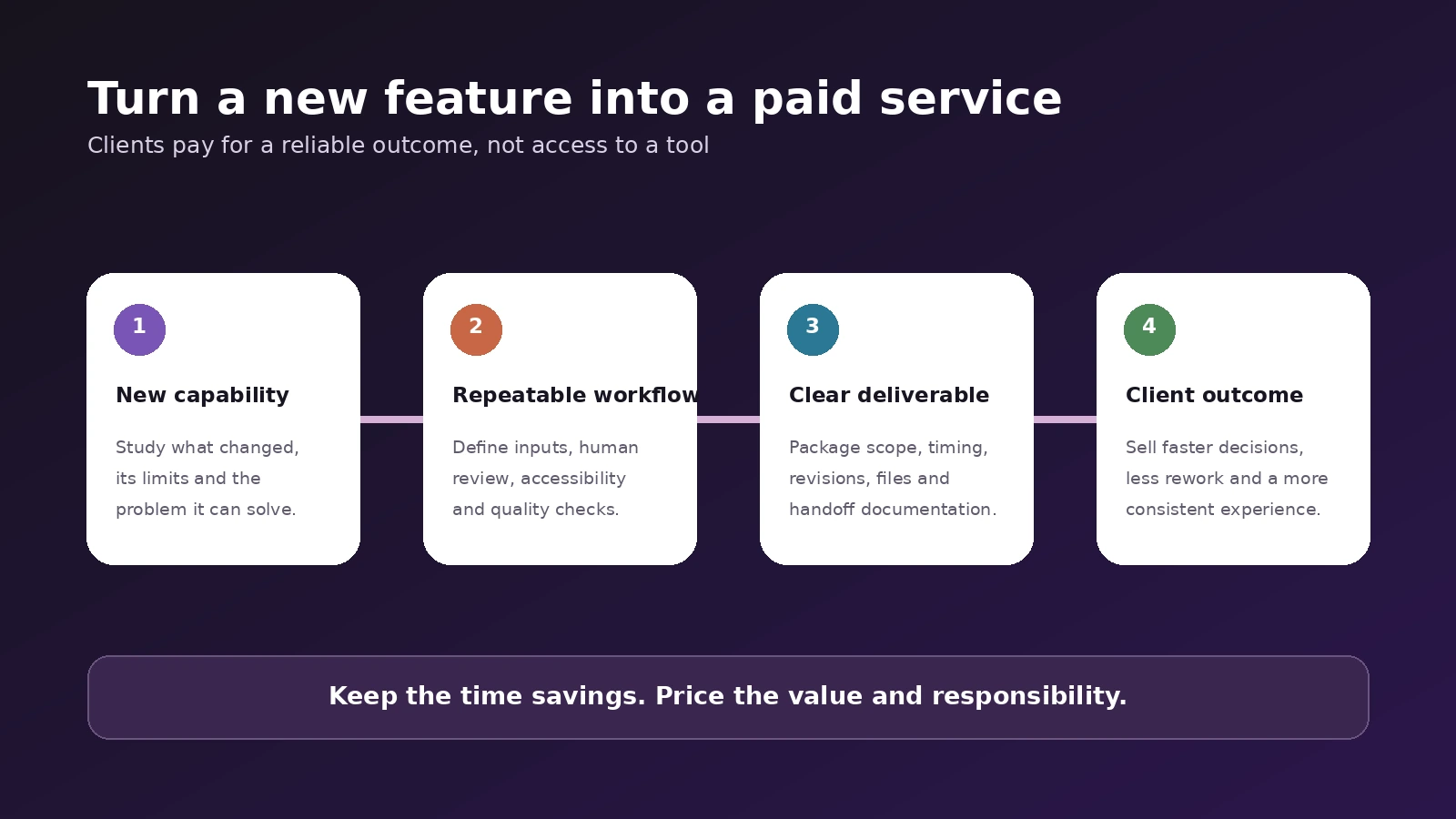
A new feature is not a complete offer. Start with the client problem, build a repeatable workflow, define the deliverables and connect the work to a result the client understands. That may be faster decisions, fewer design inconsistencies, a launch-ready website or a design system that is easier to maintain.
For planning purposes, an entry audit might begin around USD 600-1,200, a focused design sprint around USD 1,500-3,500, and a larger system or automation project around USD 3,000-8,000 or more. These are suggested planning ranges, not universal market rates. Adjust them for scope, risk, region, expertise and the value of the client problem.
Download the 2026 UX/UI AI Services and Pricing Planner
Use the downloadable planner to choose one service, define its scope, estimate your costs and build three pricing levels. It also includes a quality-control checklist and a 30-day plan for testing the offer with real clients.
Download the free UX/UI AI Services and Pricing Planner
Turn these opportunities into a focused service plan
The best opportunity in these 2026 updates is not producing more screens for less money. It is using faster tools to solve more complete problems. Choose one service that matches your existing skills, test it with a defined scope and document the result as a case study. When the workflow becomes faster, keep the time savings and invest more attention in research, accessibility, content and quality.
For a practical example of interface strategy translated into a complete digital experience, see the Cybertivity UX/UI case study. You can also explore my UX/UI design services.
Need help improving your website experience?
I help businesses create clearer, more usable digital experiences through UX/UI design and practical website improvements. Tell me about your project.