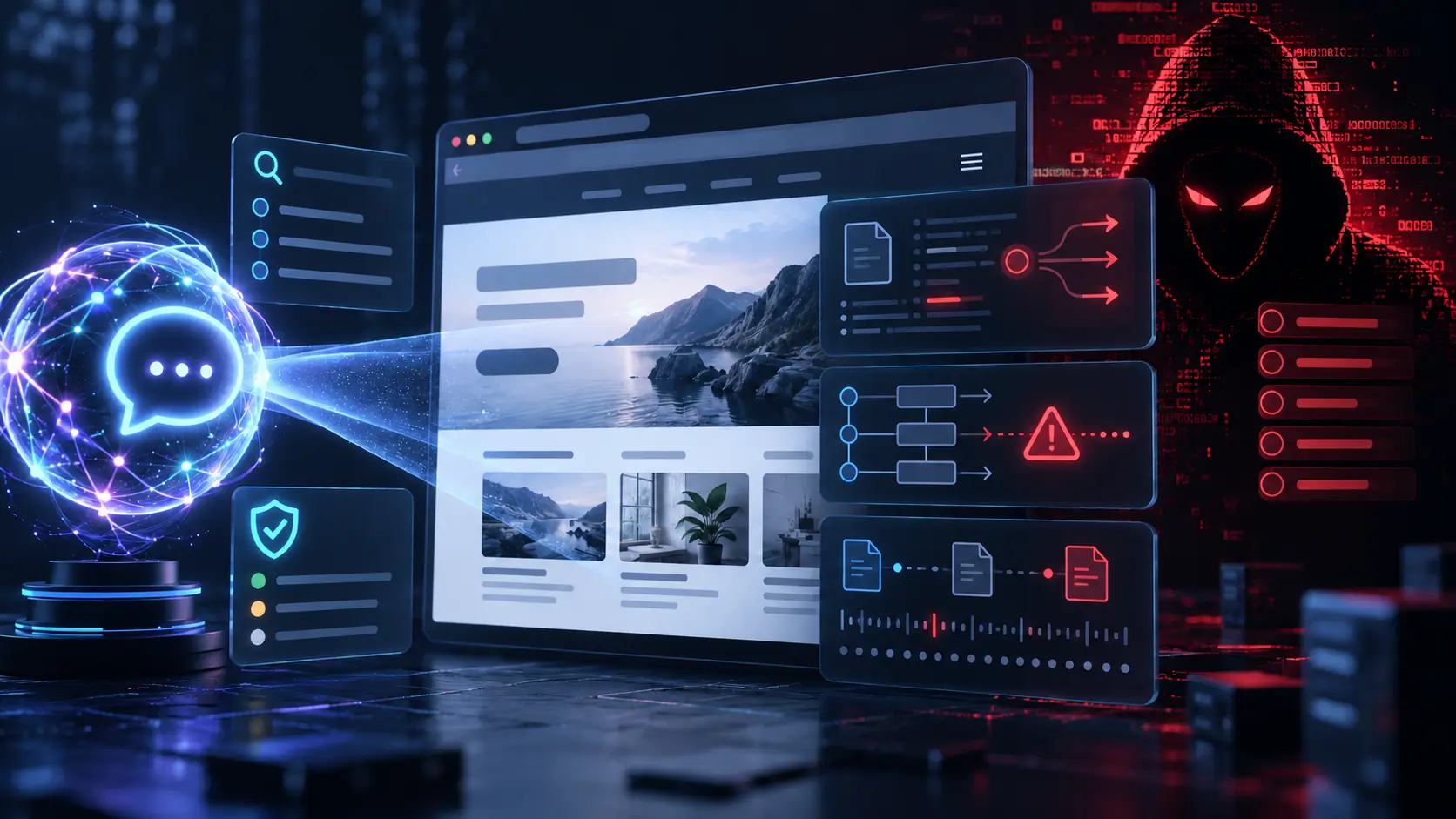

Nearly 2,000 hacked WordPress sites were linked to a newly uncovered cybercrime network, showing how an overlooked website can support attacks without obvious defacement.
On August 18, 2026, Check Point Research published details about StopAndProtect, an operation that used compromised WordPress websites to distribute malware, pass instructions to infected computers and store stolen data. Files found during the investigation listed close to 2,000 compromised WordPress domains.
This does not mean every WordPress website is at immediate risk, and visitors were not automatically infected simply by loading every affected site. It does show why updates, account reviews, backups and monitoring should be routine business maintenance rather than occasional technical work.
What Happened in the StopAndProtect Operation?
According to the Check Point Research investigation, the criminals used hacked WordPress sites as infrastructure for several parts of their operation. Some sites hosted malware files, some passed commands to infected computers, and others stored screenshots, activity logs and documents stolen from victims.
Certain compromised sites showed Windows visitors a fake CAPTCHA. Instead of asking someone to select images or check a normal verification box, the page instructed the visitor to open a Windows tool and run a copied PowerShell command. People who followed those instructions began the infection process themselves.
The attackers also installed custom PHP files and malicious plugins. One technique created a must-use plugin inside the wp-content/mu-plugins directory. Must-use plugins load automatically and are not managed like standard plugins, which means looking only at the regular Plugins screen may miss important evidence.
Check Point examined one compromised website that was running a WordPress version from 2021 and had many potential vulnerabilities. That example does not prove every affected site was compromised in the same way. The researchers did not establish one entry method for all of the listed domains.
What Should WordPress Site Owners Check Now?
The report is a reason for a structured review, not panic or random file deletion. These eight checks cover the most useful starting points.
- Verify separate backups. Confirm that the WordPress database and website files are both backed up. Check where the copies are stored, how long they are retained and whether they can actually be restored. Keep at least one copy separate from the live hosting environment.
- Review WordPress, plugin and theme updates. Open Dashboard → Updates and identify outdated software. WordPress recommends keeping core, plugins and themes current. Make a verified backup before applying updates, particularly on a business website with custom functionality.
- Open Site Health. Go to Tools → Site Health and review critical warnings, including failed background updates or communication problems that may prevent security releases from installing correctly.
- Check administrator users. Review Users → All Users and confirm that every administrator belongs to a current, authorized person. Investigate unfamiliar accounts and unexpected role changes. Also review access to hosting, the domain registrar, SFTP and connected services.
- Strengthen login security. Each administrator should use a unique password and two-step authentication. Limit administrator access to people who genuinely need it. If a compromise is confirmed, credentials should be changed as part of a complete cleanup, not treated as the cleanup itself.
- Test the public website carefully. Look for unexpected CAPTCHA screens, redirects, downloads, browser warnings or pages that do not belong to the business. A legitimate CAPTCHA should never tell someone to open PowerShell, Terminal, Command Prompt or the Windows Run dialog and paste a command.
- Run more than one type of scan. Use a website-level security scan that can inspect WordPress files and an external remote scan that checks what visitors and search engines can see. A clean result reduces concern, but no single scan proves a site is uncompromised.
- Ask for a log and file review when needed. A host or qualified WordPress professional can inspect access logs, recent file changes, unfamiliar plugins, must-use plugins and unexpected PHP files. An unfamiliar file should not be deleted until its purpose is checked, because hosts and developers may also use legitimate custom files.

Warning Signs That Need Professional Investigation
One unusual request does not automatically prove a website was hacked. Concern increases when several warning signs appear together, such as an unknown administrator, unfamiliar PHP files, unexplained redirects, new indexed pages, security alerts or a sudden increase in server resource use.
Google Search Console’s Security Issues report may identify hacked content, malware, harmful downloads or social-engineering pages. A warning there should be treated seriously, but the absence of a warning does not guarantee the site is clean.
The StopAndProtect investigation also shows why checking the public design alone is not enough. A compromised site can still look normal while hidden files are being used to host malware, receive commands or store stolen data.
What Should Happen If Something Looks Suspicious?
Record the symptoms, affected URLs, discovery time and any recent website changes. Preserve available logs, backups and evidence before making major changes. Then contact the hosting provider or a qualified WordPress security professional.
Do not randomly delete files, reinstall WordPress or immediately restore the oldest backup. Those actions can remove useful evidence, break the website or leave the original access method unresolved. Updates can close known vulnerabilities, but they do not necessarily remove an existing backdoor.
The computers used to access WordPress, hosting and SFTP may also need scanning. A cleaned website can be compromised again if an attacker is capturing credentials from an infected administrator device. Restore only from a backup that has been assessed as clean.
If customer or employee information may have been exposed, the business should also assess applicable privacy-breach responsibilities. The Office of the Privacy Commissioner of Canada provides guidance for businesses responding to privacy breaches.
Regular Maintenance Reduces Avoidable Exposure
The StopAndProtect report is not a reason to assume every WordPress website is infected. It is a reminder that an abandoned or poorly maintained site can be useful to criminals even when the business itself is not their final target.
Clear responsibility matters. Someone should know who handles updates, access reviews, backups, monitoring and recovery when a warning appears. WordPress provides official guidance for hardening a website and for responding when a site may have been hacked.
If routine updates and website checks keep being postponed, Zahra Ali’s Website Management service can help keep ongoing WordPress maintenance organized. A confirmed infection should still be handled with the hosting provider or a dedicated security specialist.
Frequently Asked Questions
Does This Report Mean My WordPress Website Was Hacked?
No. The investigation found files listing close to 2,000 compromised domains connected to one operation. It does not mean all WordPress websites were affected. Look for evidence such as unauthorized users, suspicious files, unexpected redirects, security alerts or unfamiliar plugins.
Is Updating WordPress Enough to Remove Malware?
No. Updates can close known vulnerabilities, but they do not necessarily remove malicious files, hidden accounts or backdoors already installed on a compromised site. Suspected compromises require investigation and cleanup.
Does a Security Plugin Guarantee That a Website Is Safe?
No. Security works best as a combination of supported software, limited access, strong authentication, monitoring, reliable backups and a clear response process. No visible symptoms or clean scan can guarantee that a website is uncompromised.